Text surf
L e t s h a v e s o m e d r i n k s 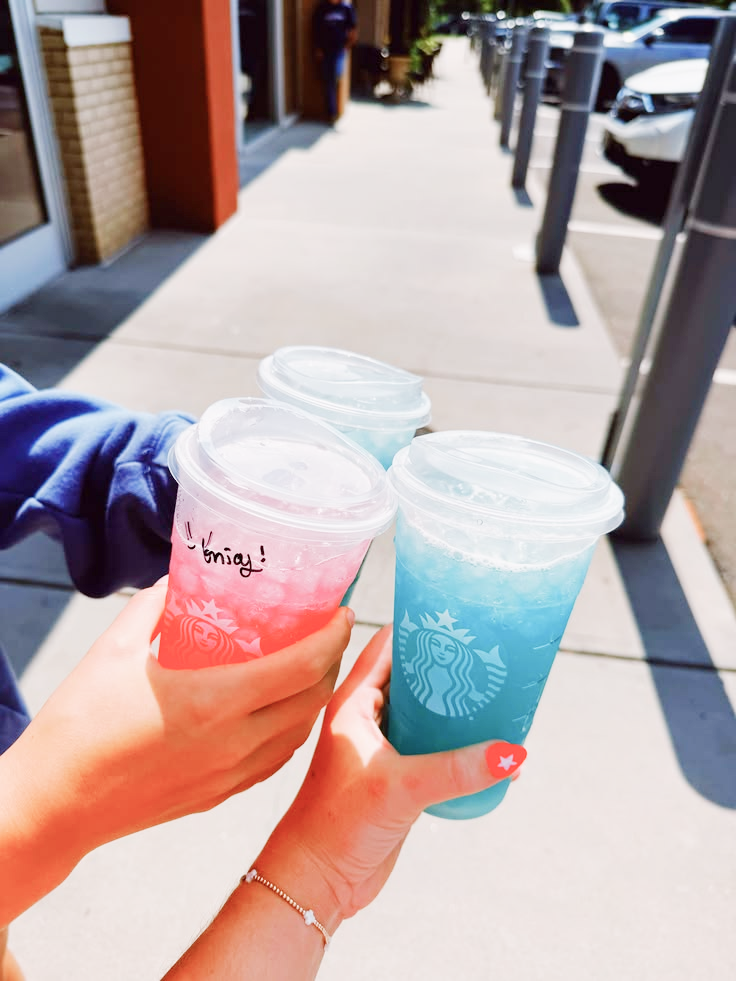 a n d T - - a k e a f l i g h t
  t o h a w a i i
  a n d e a t
  a t t h e b e a c h .
A n d h i t a j a p n e s e r e s t r a u n t a t N Y C .
a n d T - - a k e a f l i g h t t o h a w a i i a n d e a t a t t h e b e a c h . A n d h i t a j a p n e s e r e s t r a u n t
a t N Y C . Basic Usage
Use <divs/> inside for more structured code and <br/> for breaking lines.
"use client";
import { TextSurf } from "@/components/ui/text-surf";
import Image from "next/image";

export default function Home() {
  return (
    <TextSurf theme="light" varient="sunshine"
      className="text-5xl">
      <div>
        Lets have some drinks {"  "}
        <Image
          src={"/drinks-3.svg"}
          className="relative scale-130 rotate-20"
          alt=""
          width={45}
          height={20}
        />{" "}</div>
       <br />
       <div>and Takea flight.</div>
    </TextSurf>
)};
Inside a Custom Scroll Container
Pass a scrollContainer when the animation should respond to scrolling within an element instead of the browser window.
"use client";
import { TextSurf } from "@/components/ui/text-surf";
import Image from "next/image";
import { useRef } from "react";

export default function Home() {
  const ref = useRef<HTMLDivElement | null>(null);
  return (
      <div
          ref={ref}
          className={cn("relative h-90 w-2xl",
          "overflow-x-hidden overflow-y-auto")}
        >
          <TextSurf
            scrollContainer={ref}
            theme="light"
            varient={"ocean"}
            duration={0.2}
            className="font-myfont w-full text-4xl"
          >
            <div>
              Lets have some drinks <br />
              and Takea flight.
            </div>....
          </TextSurf>
      </div>
)};
Props
children
React.ReactNode
"undefined"
varient
presets
"sunshine"
scrollContainer
useRef()
"undefined"
theme
dark | light
"light"
duration
number
"0.2"
className
string
"undefined"